9 Data frames
9.1 Create data frames
Data frame is probably the most widely used data format in Base R. An example would look like this.
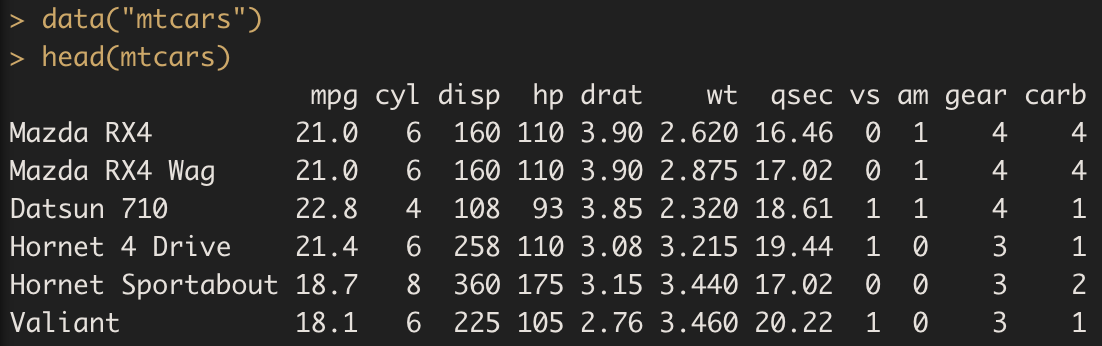
where mtcars is a built-in data frame in R. The data() function allows us to retrieve data. The head() function lets us view the first six rows of the data frame.
The data.frame() function can be used to create a data frame.

Other commonly used approaches to (re)build a data frame are cbind() and rbind(), which are counterparts of the c() function. The cbind() function means binding columns whereas rbind() combines rows, like what we did for matrices. More details will be presented in the next section.
Exercise J
9.2 Indexing data
Similar to matrices, if I wish to select a specific entry in the data frame, say
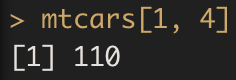
The first number refers to the row index and the second corresponds to the column index. We could also choose a subset of the data frame by typing
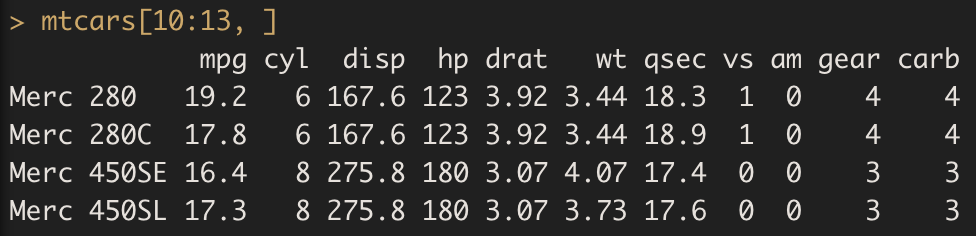
Notice that by not putting a number for the column index, I have chosen all the columns in the dataset.
In addition, we can index a column in the data frame by using $. For instance,

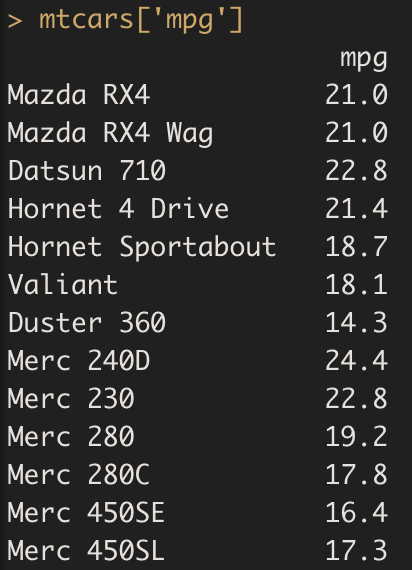
Alternatively, we can call the column name directly. This will demonstrate the row names as well.
That could be assisted by first checking the column names of a data frame.

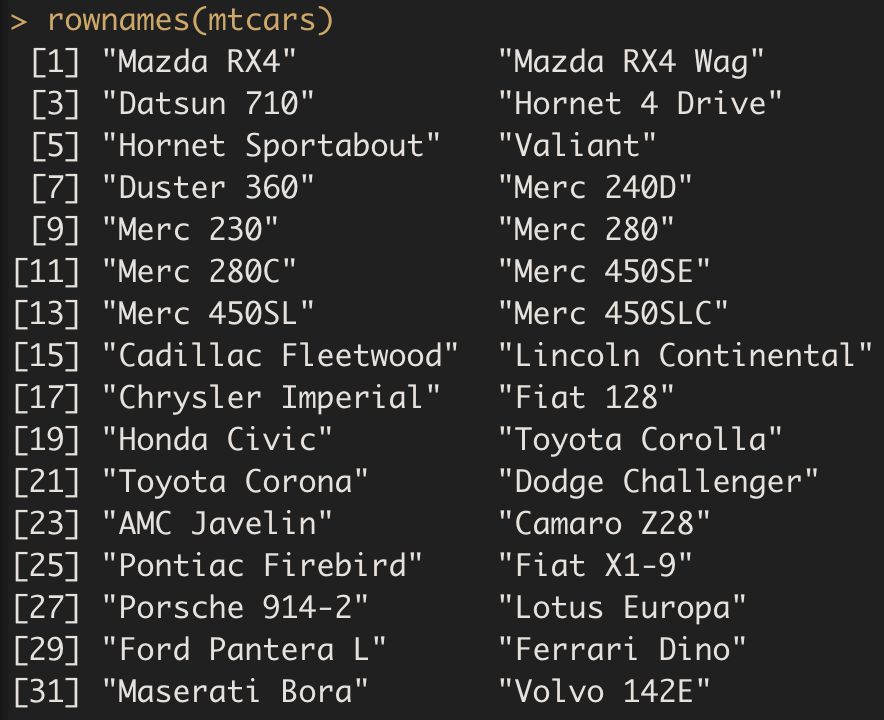
If one wants to obtain the index or rownames of a data frame in R, the rownames() function should be used.
9.3 Attributes
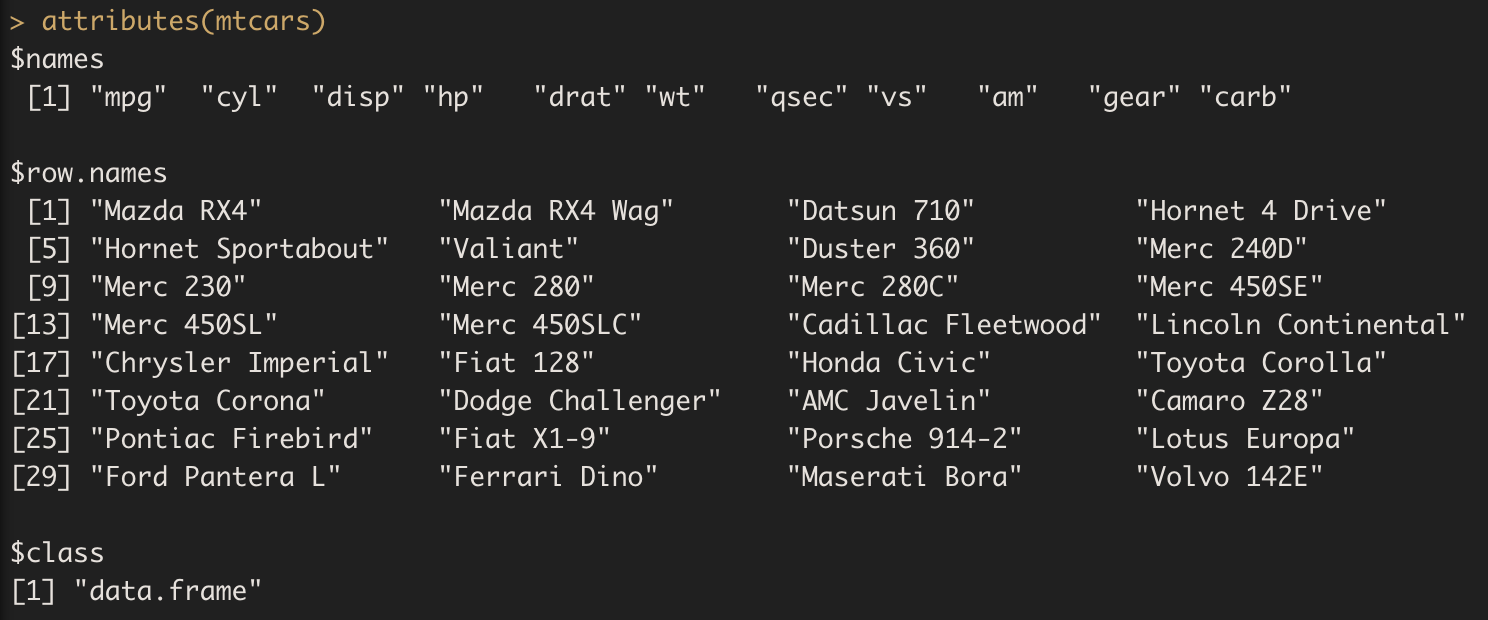
Remember we can use the attributes() function to have a general idea on the data frame.